Best CNC Software for Fabrication Shops.
A fabrication shop can buy a solid machine and still lose time every day if the software is wrong. That is why choosing the best CNC software for fabrication shops is not really about flashy features – it is about faster quoting, cleaner cut files, less operator confusion, better material yield and fewer production stoppages.
For most Australian workshops, software decisions are made too late in the buying process. The machine gets the attention, while the software is treated as an add-on. In practice, the software stack often determines how smoothly work moves from drawing to nesting to cutting to finished parts. If that workflow is clunky, even a good machine becomes harder to run profitably.
What fabrication shops actually need from CNC software
The best software for a fabrication business is rarely the one with the longest feature list. It is the one that fits the type of work coming through the door, the skill level of the operators and the way jobs are scheduled on the floor.
A shop cutting structural plate, brackets and production components has different needs from a signmaker or cabinet manufacturer. A heavy industrial workshop may care most about reliable post-processing, bevel support, common line cutting and plate utilisation. A lighter fabrication business may be more focused on ease of drawing, repeat jobs, quoting speed and training new staff without turning every software task into an engineering exercise.
That is the first reality to accept. There is no universal winner. The best CNC software for fabrication shops depends on your process, your materials and how much control you need over programming.
The core software categories that matter
When buyers talk about CNC software, they often lump everything into one bucket. That causes confusion. In a working fabrication environment, software usually falls into three practical categories.
CAD and job preparation software
This is where parts are drawn, edited or imported. If your customers send clean files every time, your needs here may be modest. If you regularly receive inconsistent DXF files, PDF drawings or hand-marked revisions, you need software that helps staff clean geometry quickly and prepare parts without wasting half the day.
Good CAD-oriented software for fabrication should make common workshop tasks easy. That includes adding holes, tabs, lead-ins, etching, part arrays and simple dimensional changes without forcing operators into a high-end design package.
CAM and nesting software
This is where profitability often rises or falls. CAM software converts parts into machine-ready cutting paths, while nesting software determines how efficiently those parts fit on a sheet or plate. In shops processing expensive material, poor nesting can quietly erode margin on every job.
A strong CAM and nesting platform should handle cut order, kerf compensation, toolpath quality, pierce strategy, common line cutting where suitable and machine-specific settings. It should also be practical to use under production pressure. If the software is technically powerful but slow to program, the gain on paper may disappear on the floor.
Machine control software
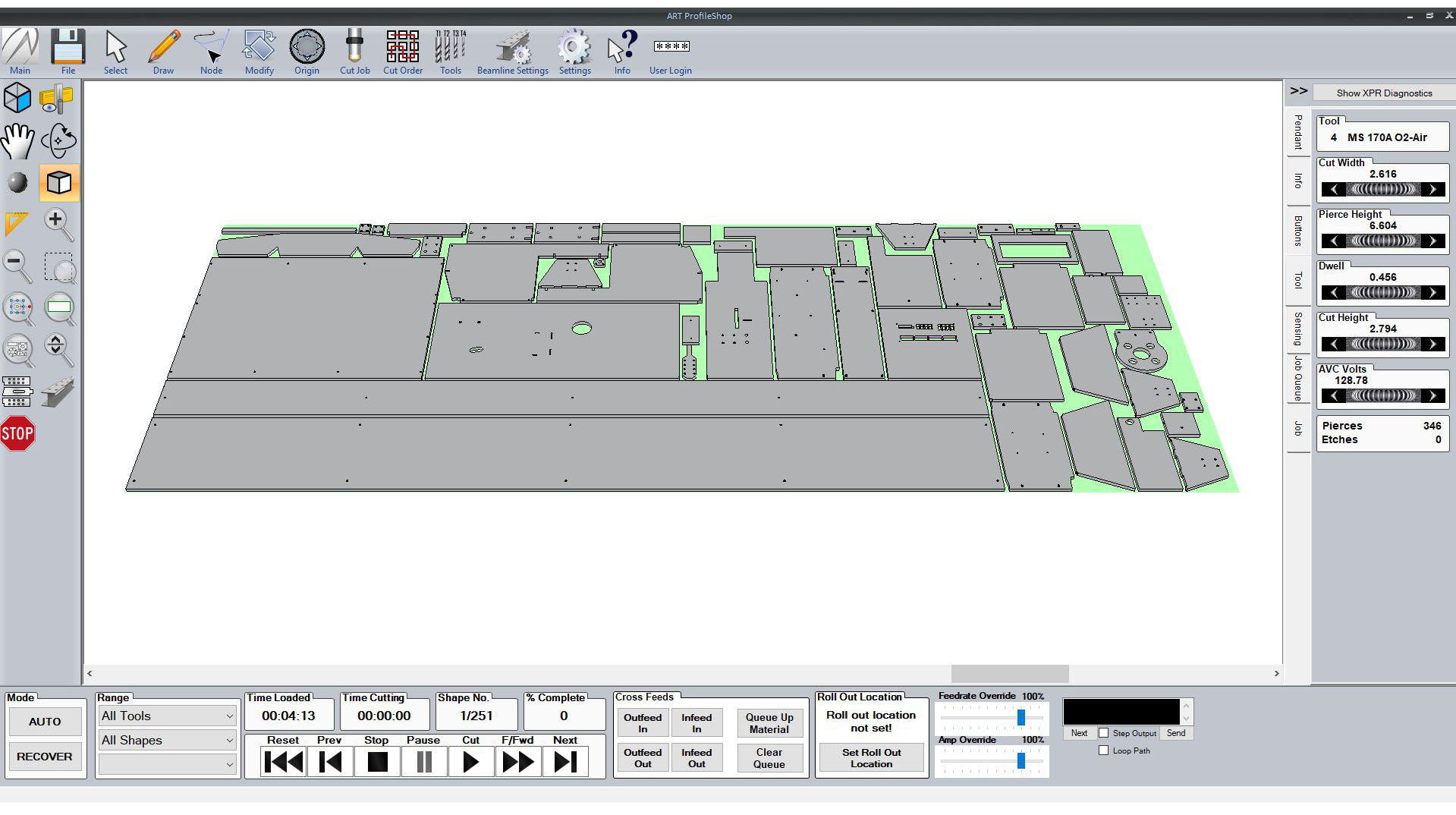
This is the operator-facing layer at the machine. It needs to be stable, readable and easy to manage during a real production shift. Shops do not benefit from complex control screens that look impressive in a demo but create uncertainty during setup, restart or fault finding.
Control software should help operators load jobs, check offsets, manage consumables, monitor cut progress and recover from interruptions with as little risk as possible. Reliability matters more than visual polish.
Best CNC software for fabrication shops – what to compare
If you are comparing software for a plasma cutter, fibre laser, router or beamline system, start with workflow rather than brand names. Ask how the software handles the jobs you run every week, not the rare jobs that look good in a sales presentation.
File compatibility is an obvious starting point. Your software should accept the file types your customers, draftspeople and estimators already use. If every second job requires manual rework before programming can even begin, that is a bottleneck built into your system.
The next issue is nesting efficiency. Better nesting reduces waste, but the software also needs to consider practical cutting behaviour. Saving a small amount of material is not always worth it if the nest creates unstable cut sequences, excessive heat distortion or operator headaches.
Post-processor quality is another major factor. A well-matched post translates toolpaths accurately for the specific machine and controller. A poor one can create erratic motion, unnecessary edits and avoidable downtime. This is one reason local support matters. If the machine supplier understands both hardware and software, problems get solved faster.
Training time should also be part of the comparison. Some software is powerful in experienced hands but difficult for average workshop staff to learn. That may still be the right choice for a larger engineering operation with dedicated programmers. For many fabrication shops, though, the better option is software that a capable operator can become productive with quickly.
Where software choice changes by cutting process
The best CNC software for fabrication shops is also process-specific. Plasma software needs strong control over lead-ins, pierce height, cut height and consumable-aware settings. It should help manage dross, edge quality and cut sequence in a way that suits production plate work.
Fibre laser software places more weight on speed, nesting density, micro-joints, motion efficiency and handling thin to medium gauge material at volume. If your shop runs production nests all day, the wrong software can leave machine capacity unused.
Router-based fabrication software often needs to manage a wider variety of materials and tool types. That makes tool library management, sheet setup and part holding strategy more important.
Beamline and structural processing software is a different conversation again. Here, integration with structural design data, section handling and automated processing logic become central. If your shop works with beams, channels or large structural members, general-purpose software may not be enough.
The trade-off between advanced features and shop-floor usability
Some fabrication businesses overbuy software. Others underbuy it. Both mistakes are expensive.
Overbuying usually happens when a business selects a highly advanced package because it appears future-proof. The problem is that future capability only matters if the team can use it. If programmers avoid half the features and operators rely on workarounds, the software becomes an expensive source of friction.
Underbuying is just as common. A shop may choose a basic package because it is easy to learn, then outgrow it once job complexity increases, nesting demands rise or machine output improves. What looked affordable at the start becomes limiting once production picks up.
The right decision usually sits in the middle. Choose software that covers your real workload today, allows sensible growth and does not require a full-time specialist for ordinary programming tasks.
Why support matters as much as the software itself
Software is never just software in a fabrication shop. It affects machine uptime, operator confidence and delivery performance. When something goes wrong, you do not need a ticket number and a delayed email response from the other side of the world. You need someone who understands cutting processes, machine behaviour and workshop realities.
This is where many buying decisions go wrong. Businesses compare software by feature lists but ignore implementation and support. Yet the value of the software depends heavily on setup, post-processor tuning, training and ongoing technical backup.
Local support is especially important for Australian workshops. If your team needs help with a cut file, machine settings, consumable performance or controller behaviour, practical assistance saves far more money than a theoretical software advantage. That is why serious buyers should look beyond the brochure and ask who actually helps after installation.
A supplier such as ART CNC, which works across machinery, software, commissioning and service, can usually give more useful advice than a software reseller working in isolation. That joined-up support model often prevents problems before they start.
How to choose without slowing down the business
The safest approach is to map your current workflow first. Look at where time is lost now. It may be in drawing cleanup, nesting, post-processing, machine setup or operator uncertainty. Once you know the real bottleneck, software selection becomes more straightforward.
Then test the software against typical jobs. Not ideal sample files – real jobs with revisions, mixed part counts, awkward geometry and delivery pressure. If the software handles those cleanly, it is worth serious consideration.
Also think about who will use it every day. Owner-operators, workshop supervisors and production staff need software that supports consistent output, not just technical capability. The best system is one your team will actually use properly on a busy Wednesday afternoon.
A good software decision should reduce rework, shorten setup time and make your machine easier to run at full value. If it does not improve those things, it is probably the wrong fit no matter how advanced it sounds.
The right software will not fix every workshop problem, but it will remove a surprising number of avoidable ones. When your programming, nesting and machine control work together properly, production feels less like firefighting and more like a controlled process – which is exactly where a profitable fabrication shop needs to be.